In This Help Topic05. A - How to Enter a MedicationHow to Enter a Medication Select a Resident
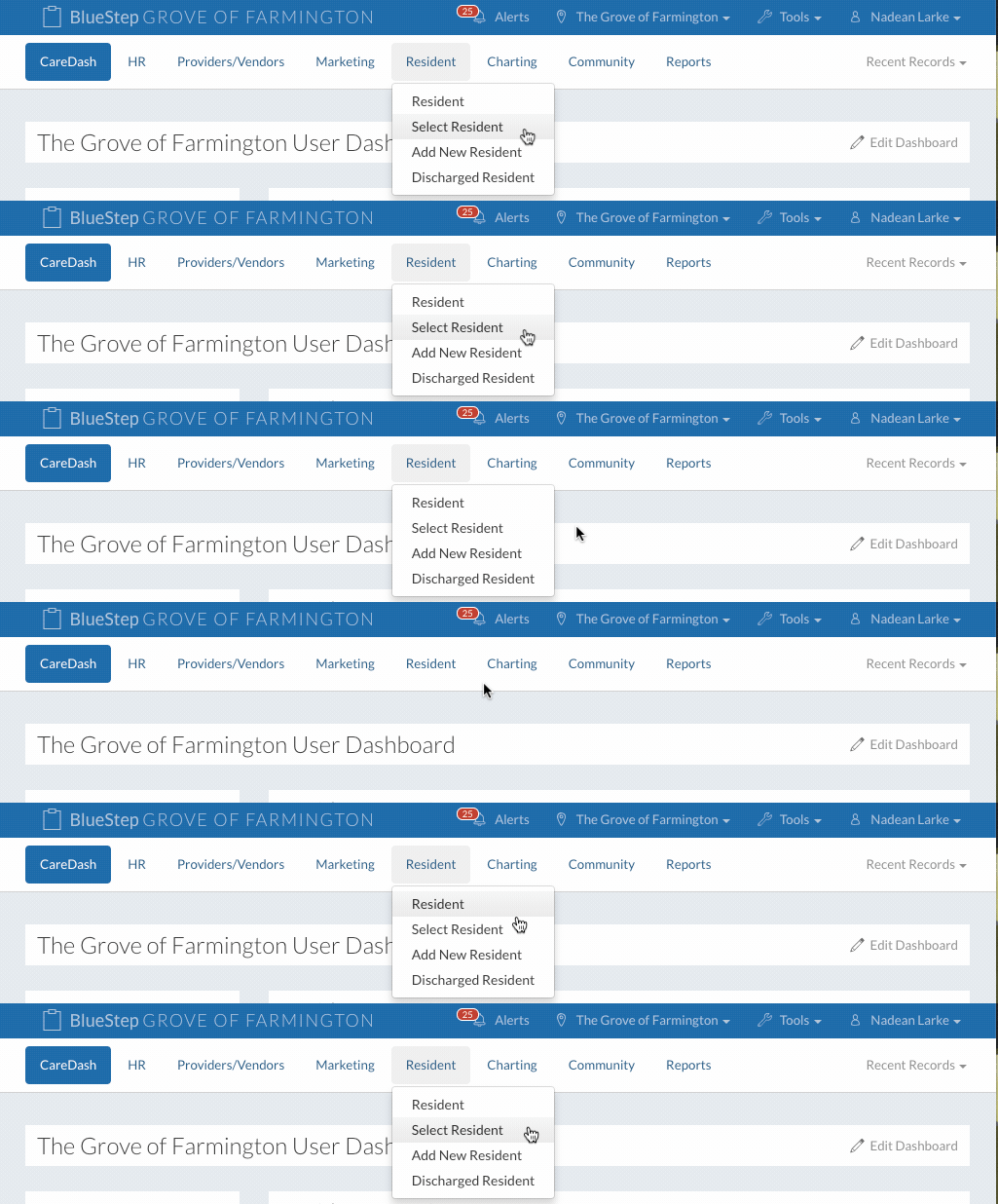
2. Select a resident.
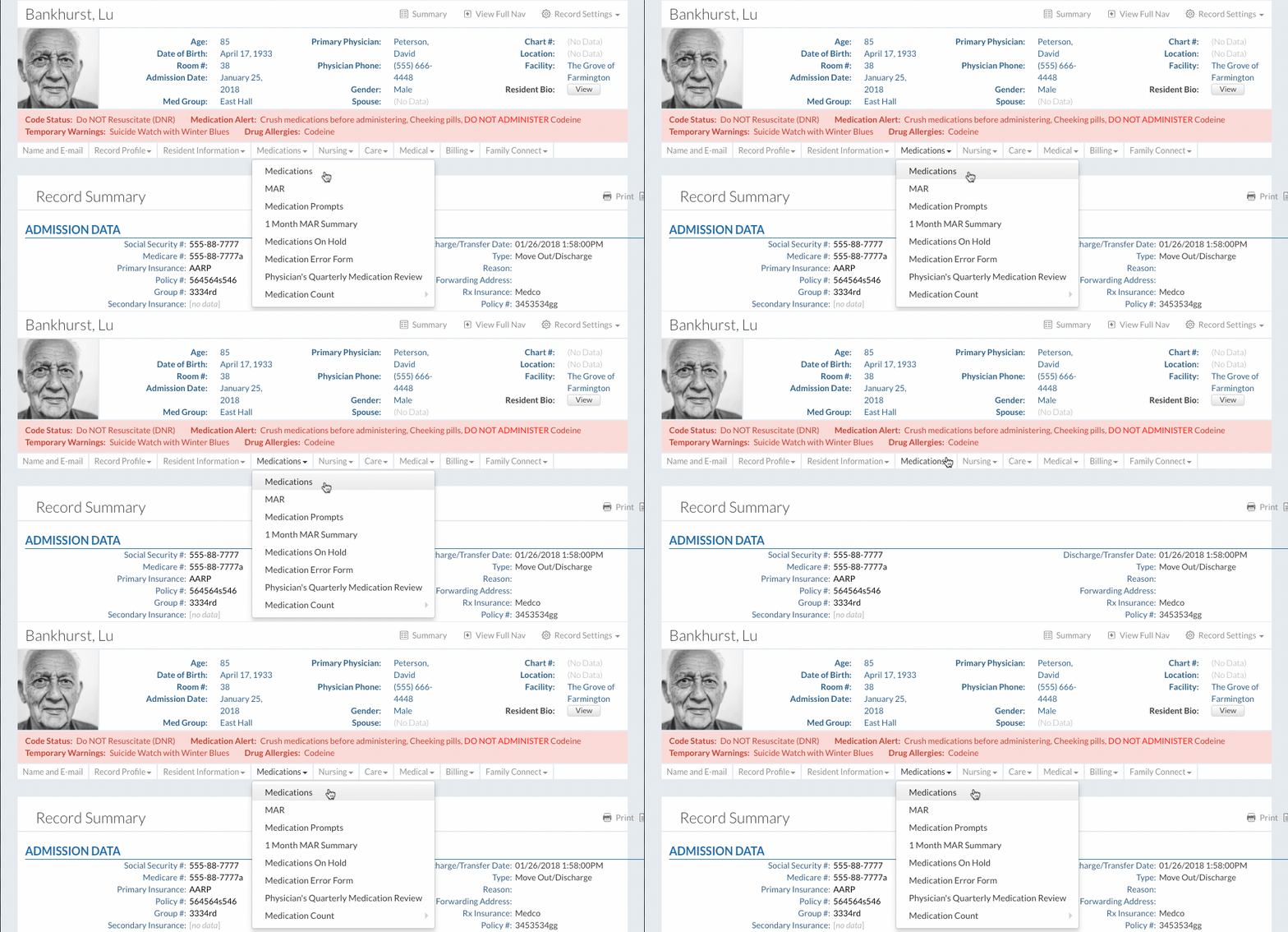
3.Click on “Medications” under the “Medications” dropdown.
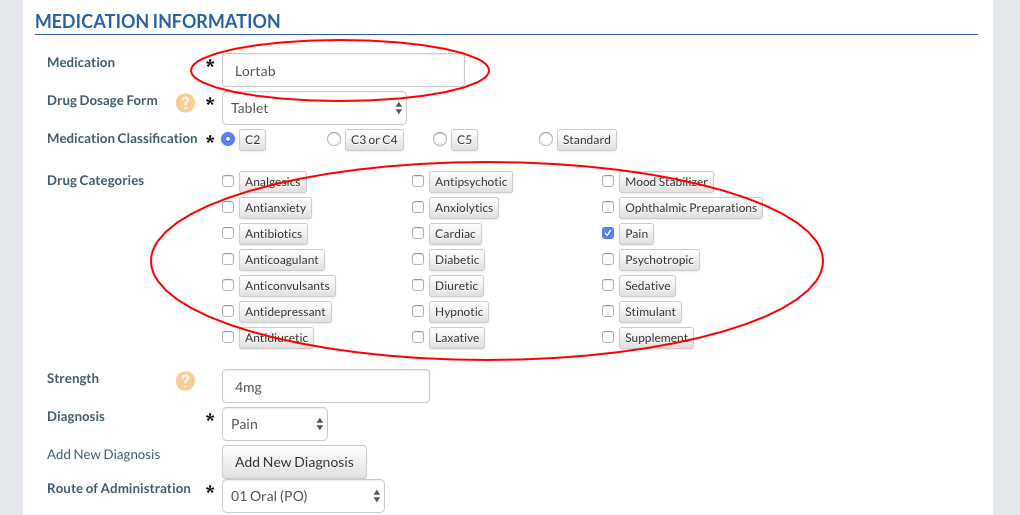
Enter a New Medication4. Click the “New Entry” button to enter a new medication. 5. Fill out the form. Medication Information
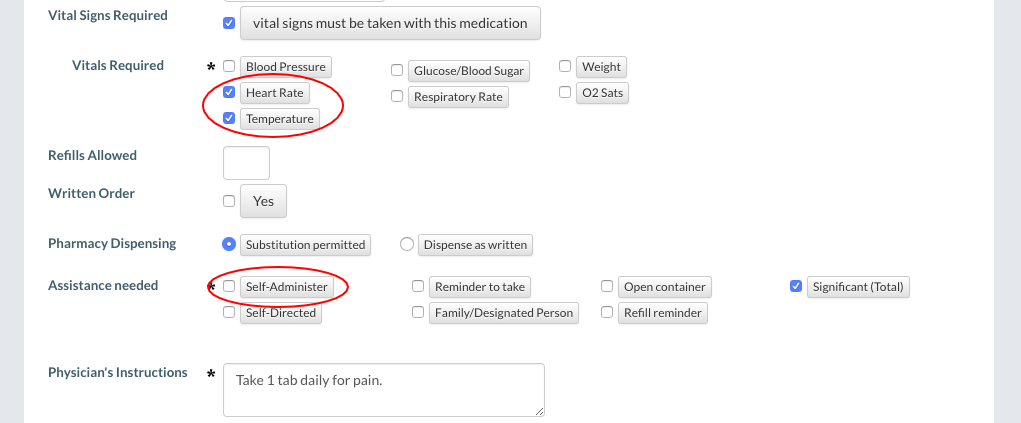
Vital signs can be added to any medication by selecting any of the Vitals buttons. Every selected vital will become required for staff members to fill out when charting this medication on the MAR. When the “Self-Administer” button is selected, the medication can be entered by staff members without the medication showing on the MAR. See Setup: Medication System to turn this option on or off.
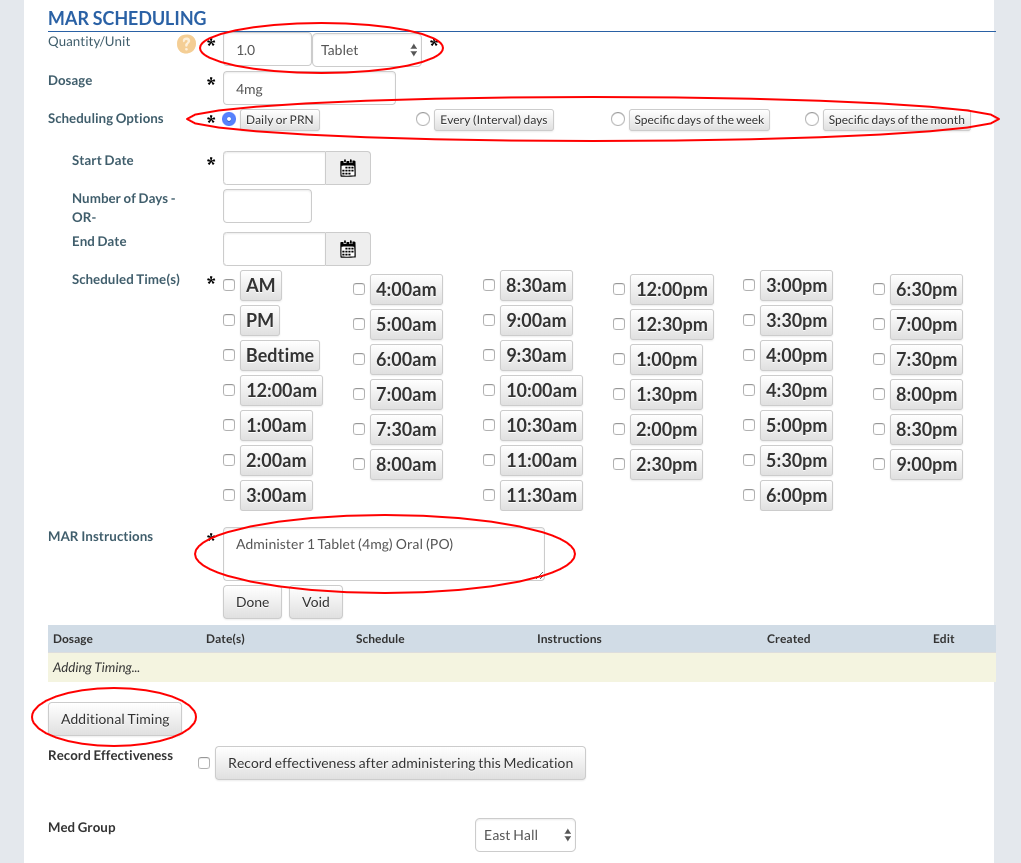
MAR SchedulingThe “Quantity/Unit” fields display the quantity (number) and the unit (the form the med comes in) of a medication. The Medication Count System will be automatically updated according to the administration of the medication. Scheduling Options include “Daily or PRN”, “Intervals”, “Specific days of the week”, and “Specific days of the month”. Staff members will see the instructions entered into the “MAR Instructions” memo field. The system generates these instructions based on the schedule chosen above. The instructions can be edited if desired. Select the “Additional Timing” button if there is a need to administer medications at special times or dosages at different times or intervals.
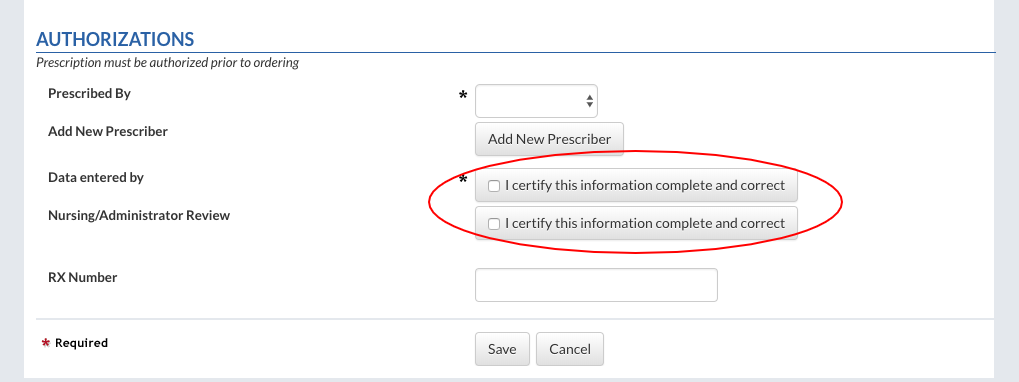
Authorizing a New MedicationThe new medication requires the signature of the nurse who entered it. Click on the “I certify this information is complete and correct” button to sign off the new medication. A second nurse must also sign off. If setup, the second nurse can be notified by email or text anytime a new medication is entered.
6. Click the “Save” button to finish.
|